
From a name to a record
Search people, places, events, organisations, creative works and ideas. Open a fact page with dates, places and identifiers.
Free utilities
Find an entry.
Read its facts.
Follow its connections.

People. Places. Events. Ideas.
A clear reference built around recorded information.
Search people, places, events, organisations, creative works and ideas. Open a fact page with dates, places and identifiers.
Follow related entries, explore a category, see what happened on this day or compare entries side by side.

Start with a search
A magnifying glass draws a stream of archive material into distinct subjects: a person, a place, an organisation and an idea.
Search by name and filter by category. Open the entry you mean, then read its recorded facts and the relationships that lead to other entries.
What you can explore
Move through the information while retaining its context.
Find people, places, events, organisations, creative works and ideas. Filter by category to focus your search.
Open an entity record with its dates, places, identifiers and linked entries together.
Distinguish year-only, month-level and full dates. Read dates before the common era clearly.
Read recorded places and numerical coordinates alongside the other facts in the entry.
Move through the explicit relationships between people, works, organisations, events, places and ideas.
Explore recorded events associated with any day of the year. Follow their linked entries for context.
Explore a category of entries and discover connections beyond your original search.
Line up entries and compare their key recorded facts in one view.
A fact that is not recorded stays marked as not recorded. Gaps do not become invented answers.
Read Wikidata structured data served by VISINVOKE under CC0, with the data version shown in the app.
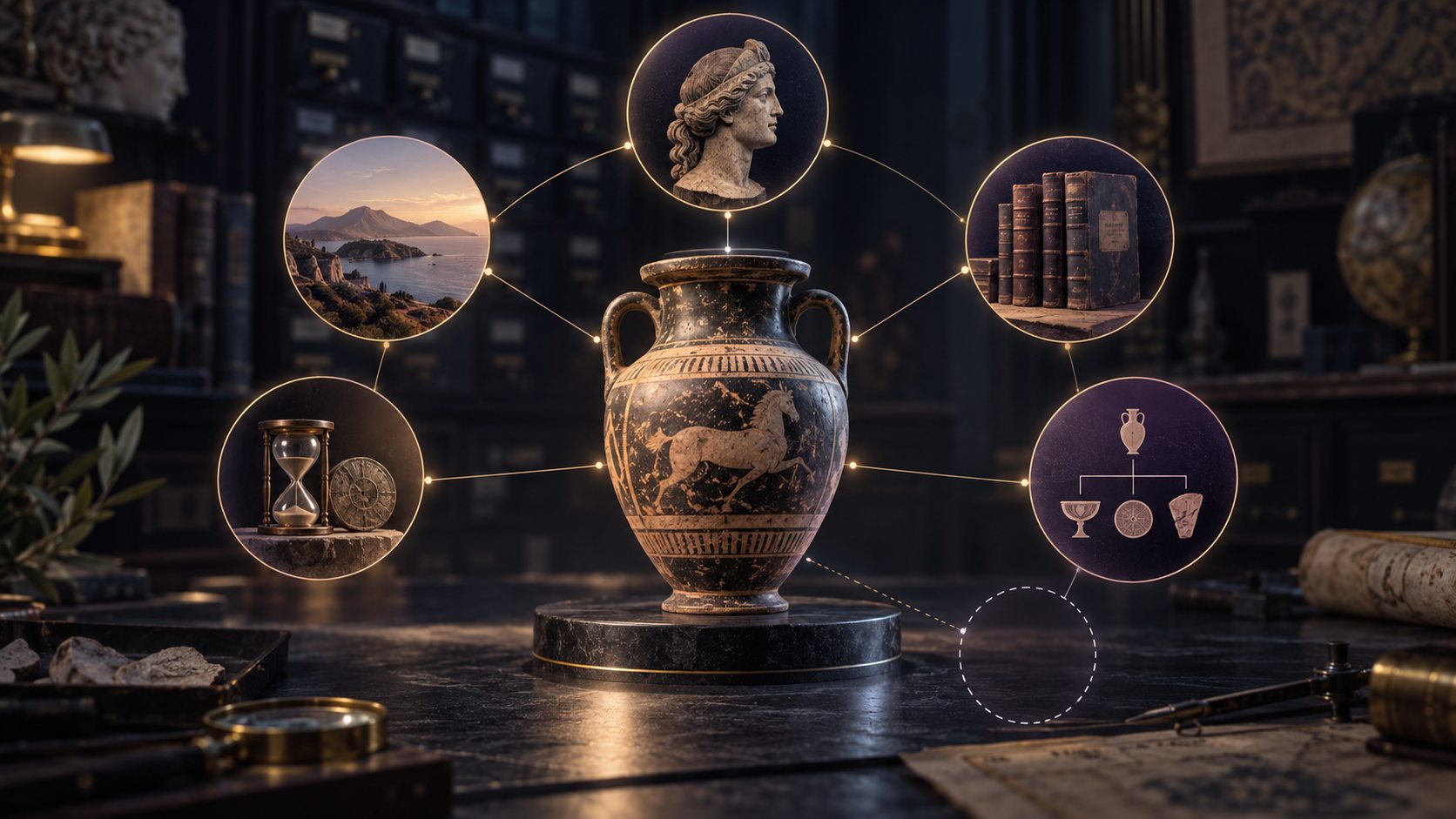
Read a structured record
An amphora sits at the centre of linked circles for places, time, people, books and related objects. An empty outline represents a missing fact.
Open an entity record with its dates, places and identifiers together. Year-only, month-level and full dates stay distinct, and unrecorded facts remain visible as gaps.
A clear route through the information
Let the record guide the next question.
Enter a name and use a category filter to narrow the subject. Choose the person, place, event, organisation, work or idea you mean.
Review dates with their precision, places, coordinates and identifiers. Keep any not-recorded facts in view.
Follow related entries, browse a category or open On this day. Read how one subject connects to another.
Compare key facts side by side. Read the data version, dates and qualifiers, and open a Wikipedia article link where one exists.

Follow explicit relationships
The illustration connects a central sculpture with artists, artworks, books, architecture and places. Each link represents a route to another subject.
Follow the related entries recorded in the data. Explore their fact pages or compare entries side by side, keeping the relationship and recorded details in view.

Read the source context
Documents, film, archives and maps feed a visual source trail. The final panel retains an uncertainty marker alongside the other material.
Facts come from Wikidata structured data, published under CC0 and served by VISINVOKE. Read the app's data version and recorded dates and qualifiers; facts can be missing or dated.
Honest about the record
Understand what the reference holds.
A year stays a year. Month-level and full dates retain their stated precision, and dates before the common era are shown clearly.
Only recorded statements are shown with their dates and qualifiers. An absent fact remains not recorded.
Wikidata structured data is published under CC0. VISINVOKE serves the data version shown in the app, with Wikipedia article links where available.
What you search and save stays on your device. The product is ad-free, with no tracking, and omits sensitive personal attributes and entity pictures by design.
Your workspace and related products
Open VISINVOKE products through your account.

Open Knowledge Explorer and your other VISINVOKE products in a signed-in Windows desktop workspace.

Use supported file conversions for everyday documents, images and spreadsheets.
Images are product illustrations, not application screens. Knowledge Explorer does not display entity pictures.
Questions and answers
Search, facts, connections, sources and access at a glance.
A free, ad-free reference in VISINVOKE. Search people, places, events, organisations, works and ideas, open structured fact pages and follow their recorded relationships.
Search by name and filter by category, follow related entries, explore by category or use On this day for any calendar day. Compare entries side by side.
Dates retain their stated precision: a year is not presented as an exact day. Dates before the common era are shown clearly, coordinates are numbers and missing facts are marked as not recorded.
Knowledge Explorer uses Wikidata structured data, published under CC0 and served by VISINVOKE. Read the data version shown in the app and follow outbound Wikipedia article links where they exist. Facts can be missing or dated.
Entity pictures and sensitive personal attributes are not shown by design. The illustrations on this website explain the subject and are not application screens. What you search and save stays on your device, as described in the product information.
Knowledge Explorer is free with your VISINVOKE account on Windows and Android. Open it in Desktop Control Centre on Windows or the Android in-app host. There are no adverts or tracking.
Continue in VISINVOKE
Create a free VISINVOKE account or sign in to your existing account. Get Desktop Control Centre through your account installer page.
Open Knowledge Explorer on Windows or in the Android in-app host. It is free with your VISINVOKE account.